
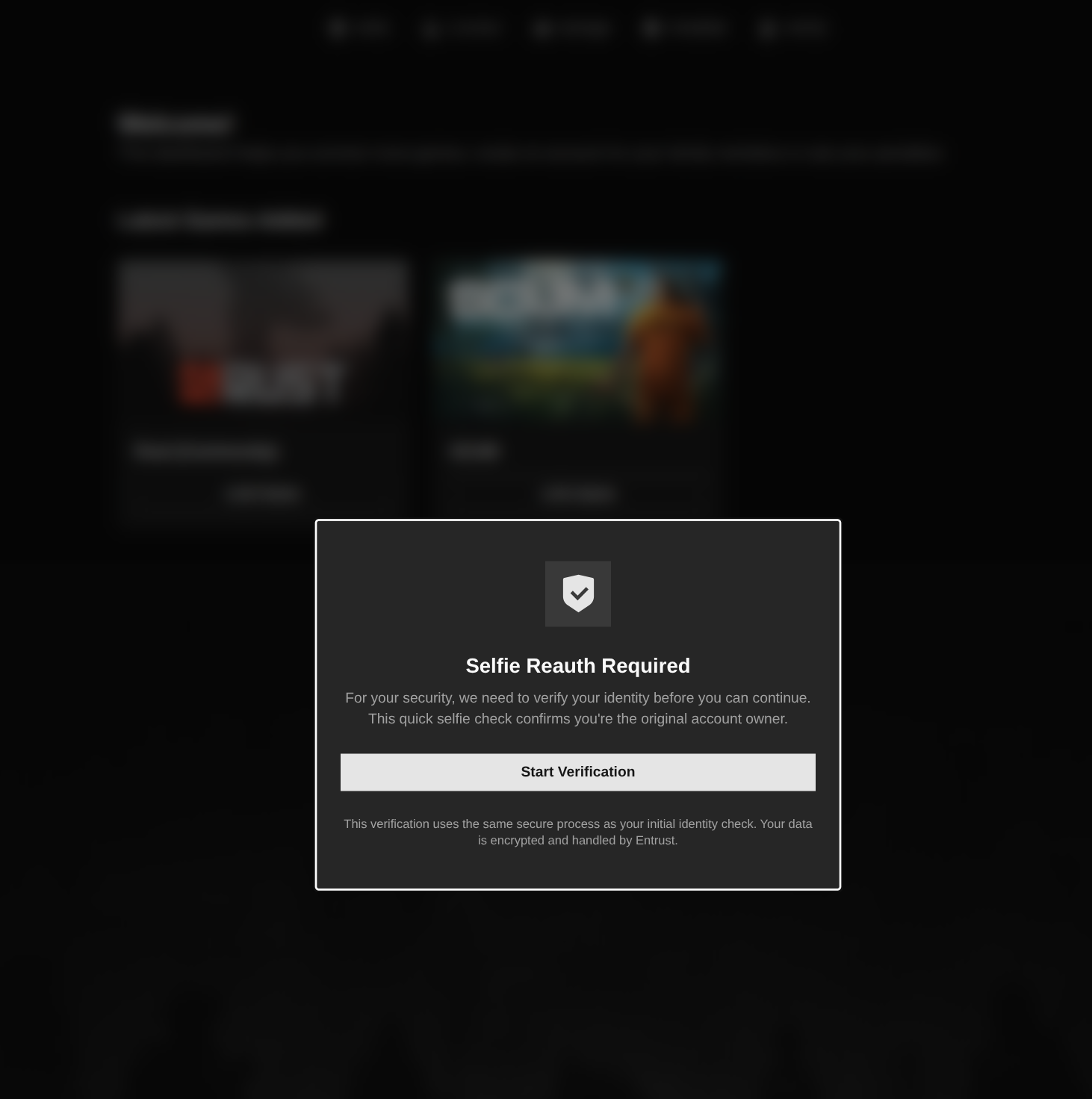
Selfie re-auth triggers automatically. This can be because of certain suspicious activity triggers, or it could be a random spot check.
When it triggers on your account:
- You'll be notified the next time you try to connect to a PlaySafe Protected environment, or the next time you log into your PlaySafe ID.
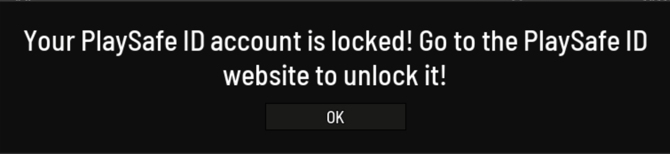
- Simply log in to your PlaySafe ID account and you'll be immediately prompted to complete the re-auth.
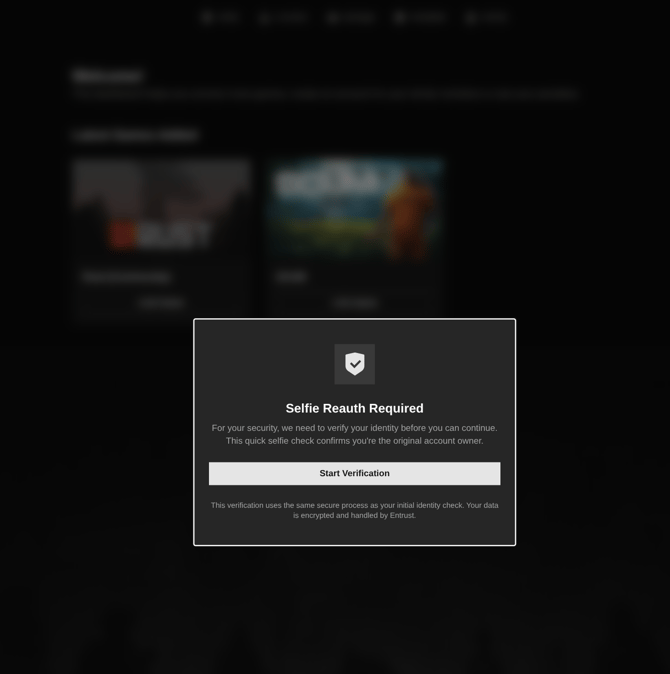
- Take a quick selfie. That’s all that is required.
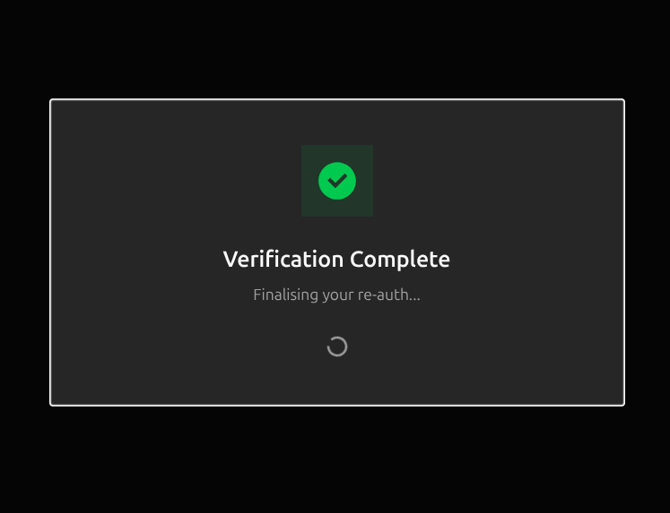
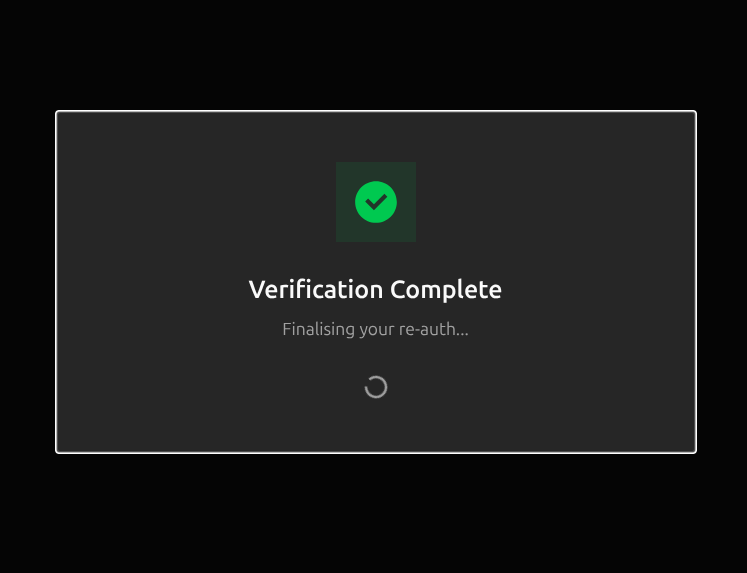
- Once confirmed, your PlaySafe ID unlocks and you're good to go.
Key things to know:
- Re-auth triggers are random and can occur more than once over time. This is normal and applies to all accounts equally.
- Your PlaySafe ID will remain locked for PlaySafe Protected environments until the re-auth is completed, so it's worth completing it as soon as you're prompted.
- The re-auth isn’t a full check, it’s just a selfie from the original account holder.